DuckDuckGo AI Chat: Private AI Conversations With No Data Storage
Learn about DuckDuckGo's privacy-focused AI chat that uses multiple models like GPT-4, Claude 3 and others while keeping your conversations private.
What is DuckDuckGo AI Chat?
DuckDuckGo AI Chat is a free service embedded directly into DuckDuckGo search results. It answers questions using various AI models, accessible through the DuckDuckGo browser or website.
The main feature is privacy. DuckDuckGo does not store your chats, and each conversation starts anew. Previous questions and answers disappear when you close the chat window.
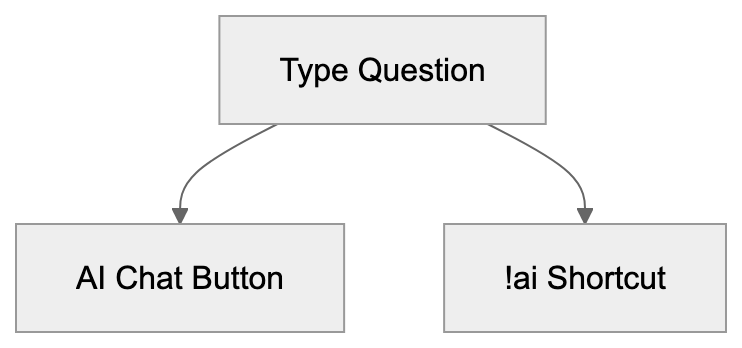
You can trigger AI chat in two ways:
- Type a question and click the AI chat button.
- Use the !ai shortcut before your question.
Privacy Features
DuckDuckGo AI Chat Trigger Methods:
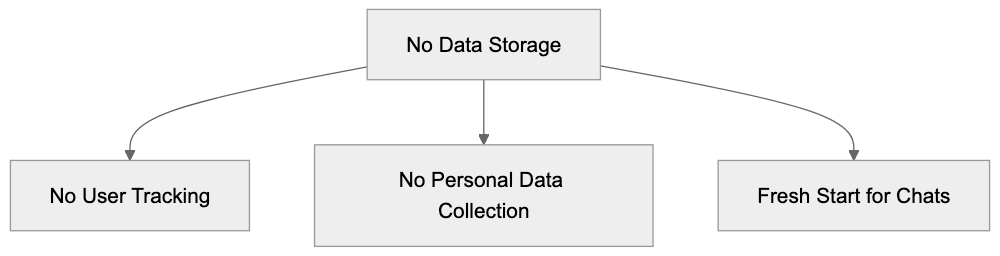
Privacy remains central to this tool, offering the following features:
Privacy Features Overview:
- No conversation storage.
- No user tracking.
- No personal data collection.
- Fresh start with each chat.
- No account needed.
- No chat history saved.
This differentiates it from other AI chat services, which often save chats and data.
Supported AI Models Selection:
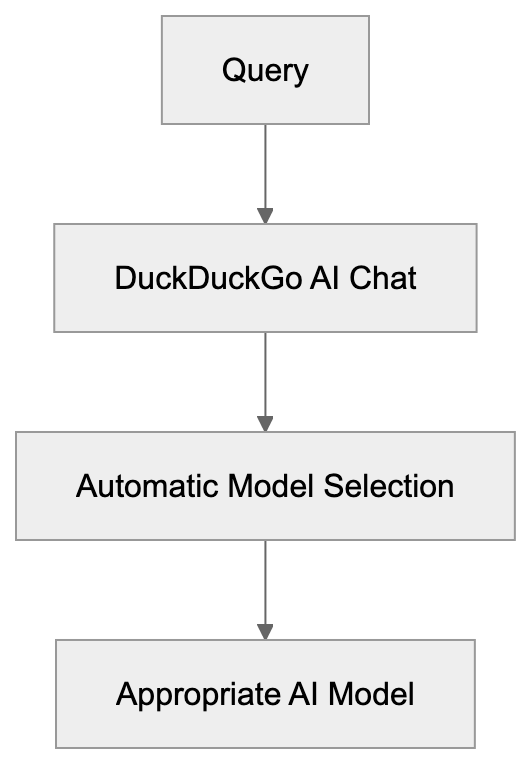
Supported AI Models
DuckDuckGo AI Chat operates with several AI models:
- GPT-4
- Claude 3
- Llama
- Mistral
- Anthropic models
The service automatically selects the best model for each query, simplifying usage.
How to Use DuckDuckGo AI Chat
Using the chat is straightforward. Follow these steps:
Integration with DuckDuckGo Search:
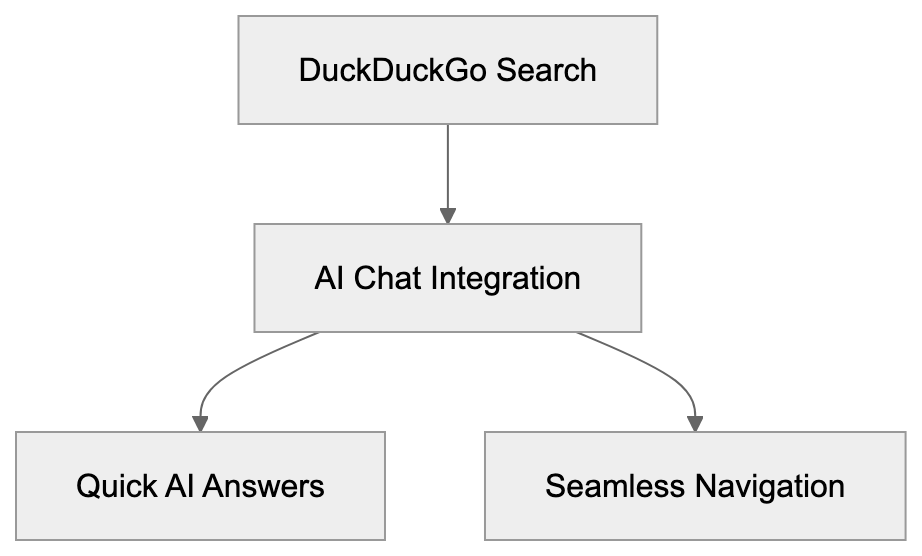
- Click the AI chat button.
- Or add !ai before your question.
The chat excels in:
- Quick questions
- [Fact-checking
- Simple calculations
- Code assistance
- Writing help](https://duckduckgo.com/duckduckgo-help-pages/ai-features).
Integration with Search
DuckDuckGo AI Chat functions seamlessly within search results, allowing you to:
- Obtain AI answers quickly.
- Compare AI answers with search results.
- Find additional details when required.
- Switch smoothly between search and AI chat.
The !ai shortcut empowers power users to trigger AI chat without needing to click.
Limitations and Restrictions
Be aware of these limitations when using the chat:
- No chat history.
- Conversations cannot be saved.
- No custom model selection.
- Limited context window.
- Basic formatting only.
- No image generation.
- No voice [input.
These limits contribute to the service’s simplicity and privacy.
Comparison with Other AI Chats
How does it compare to others? Here’s a brief comparison:
ChatGPT:
- Stores chat history.
- Requires an account.
- More features.
- Less private.
Claude:
- Stores some data.
- Requires an account.
- Better context.
- Less private.
Perplexity:
- Stores searches.
- Links to sources.
- Requires an account.
- Less private.
DuckDuckGo AI Chat stands out for its privacy, sacrificing some features for enhanced privacy.
Future of Private AI Chat
DuckDuckGo paves the way for private AI chat, emphasizing data privacy. The future may see:
- More private AI options.
- Better privacy features.
- Local AI models.
- No-tracking chat services.
The focus on privacy could change how we use AI chat.
Conclusion
DuckDuckGo AI Chat provides private AI conversation using excellent AI models with no data storage. The tool is ideal for quick queries and assistance. While it has limitations, its primary advantage is privacy.
Users seeking private AI chat should try it. The service demonstrates that AI can function effectively without tracking, becoming increasingly valuable for privacy-focused individuals.
Frequently Asked Questions
What kind of questions can I ask DuckDuckGo AI Chat?
You can ask a variety of questions including quick queries, fact-checking, simple calculations, code assistance, and writing help. The chat is designed to provide concise answers to straightforward questions.
How does DuckDuckGo ensure my privacy when using AI Chat?
DuckDuckGo AI Chat prioritizes privacy by not storing conversations, tracking users, or collecting personal data. Each chat starts fresh, ensuring that no chat history is saved once the window is closed.
Can I customize which AI model DuckDuckGo uses for my questions?
No, users cannot customize the AI model selection. DuckDuckGo automatically selects the best AI model for each query to provide the most accurate response.
Are there any limitations to using DuckDuckGo AI Chat?
Yes, there are several limitations including the lack of chat history, no option for custom model selection, and limited context. Additionally, formatting options are basic, and it does not support image generation or voice input.
How do I access DuckDuckGo AI Chat?
To access DuckDuckGo AI Chat, simply go to the DuckDuckGo search page, type your question, and click the AI chat button or use the shortcut !ai before your question. This makes it easy to trigger AI responses directly from search results.
How does DuckDuckGo AI Chat compare to other AI chat services?
Unlike other AI chat services that often store user data and require accounts, DuckDuckGo AI Chat does not track or save any conversations. It offers a more private experience but may sacrifice some features compared to competitors.
What does the future hold for private AI chats like DuckDuckGo?
The future may see more advancements in private AI options, enhanced privacy features, and the development of local AI models. DuckDuckGo's focus on privacy could shape how users engage with AI technologies.
Track Your AI Visibility
See how AI chatbots like ChatGPT, Claude, and Perplexity discover and recommend your brand.