Arc Search: Complete Guide to AI-Powered Web Browsing
Detailed guide to Arc Search - the AI-powered search tool by The Browser Company that helps users find and summarize web content faster and more efficiently.
What is Arc Search?
Arc Search is a groundbreaking AI search tool by the Browser Company, designed to enhance web browsing within the Arc browser. This AI browser tool transforms web search by offering quick and concise search summaries, making it simple for users to obtain the information they need without manual reading.
The unique AI web search feature eliminates the need to open multiple tabs and manually sift through information. With Arc Search, users receive precise results quickly, fundamentally changing how we approach web search.
Main Features
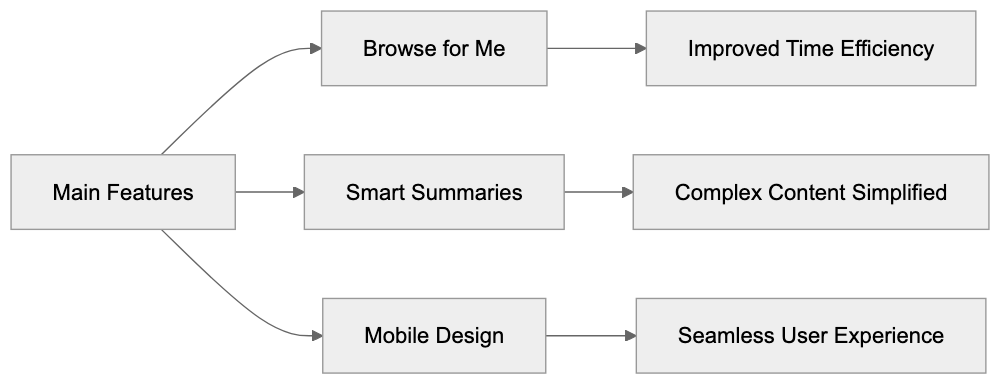
Browse for Me
The standout feature of the Arc browser is Browse for Me. Here’s how it benefits users:
- Searches multiple websites simultaneously
- Reads and analyzes web pages
- Generates concise summaries
- Clearly cites sources of information
- Saves significant reading time

Smart Summaries
Arc Search simplifies complex web content with its smart summaries: (techcrunch.com)
- Extracts main points succinctly
- Employs straightforward language
- Retains critical details
- Provides source links
- Displays related information
Mobile Design
Arc Search excels on mobile devices, ensuring seamless web browsing:
- Intuitive, clean layout
- Optimized for one-hand use
- Quick page loading
- Clear text presentation
- Smooth scrolling experience
How It Works
Here’s a step-by-step guide to how Arc Search operates:
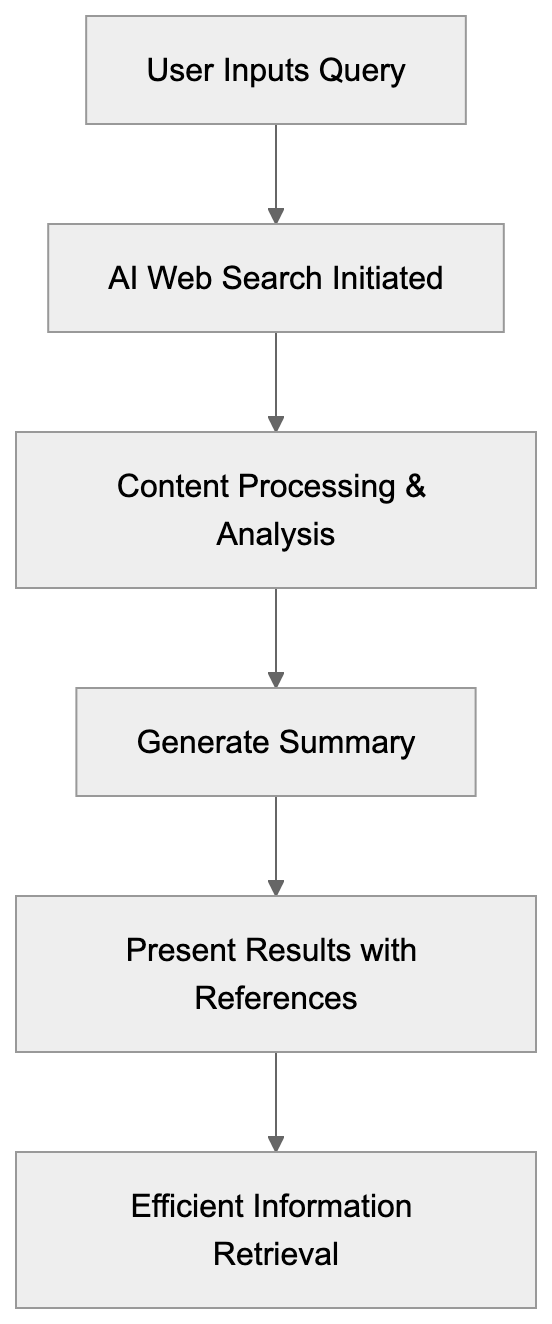
- The user inputs a query or topic.
- The AI initiates a comprehensive web search.
- It processes and analyzes content.
- Generates a clear, concise summary.
- Presents results alongside source references.
The AI search tool interprets questions naturally and mimics human-like search behavior, efficiently identifying relevant data.
Using Arc Search
Here are some tips to optimize your experience with Arc Search:
Best Practices
- Formulate clear questions
- Use everyday language
- Be detailed and specific
- Verify source credibility
- Comprehensively review summaries
Good For
- Efficient research
- Finding specific information
- Gaining general topic insight
- Comparing data
- Maximizing time efficiency
Privacy and Data
The Browser Company ensures robust privacy measures for Arc Search:
- No storage of personal search data
- Data used solely for feature enhancement
- Easy-to-clear history
- Strict privacy standards
- Customizable user controls
Similar Tools
Here’s how Arc Search measures against other AI search tools:
| Tool | Main Feature | Best For |
|---|---|---|
| Arc Search | Auto browsing | Quick summaries |
| Perplexity | Direct answers | Deep research |
| You.com | Chat search | General use |
| Neeva | No ads | Privacy focus |
Latest Updates
As of 2025, Arc Search continues to evolve:
- Accelerated search processes
- Enhanced summary precision
- Additional AI functionalities
- Expanded source integration
- Refined mobile compatibility
Tips for Better Results
Enhance your web search experience with Arc Search:
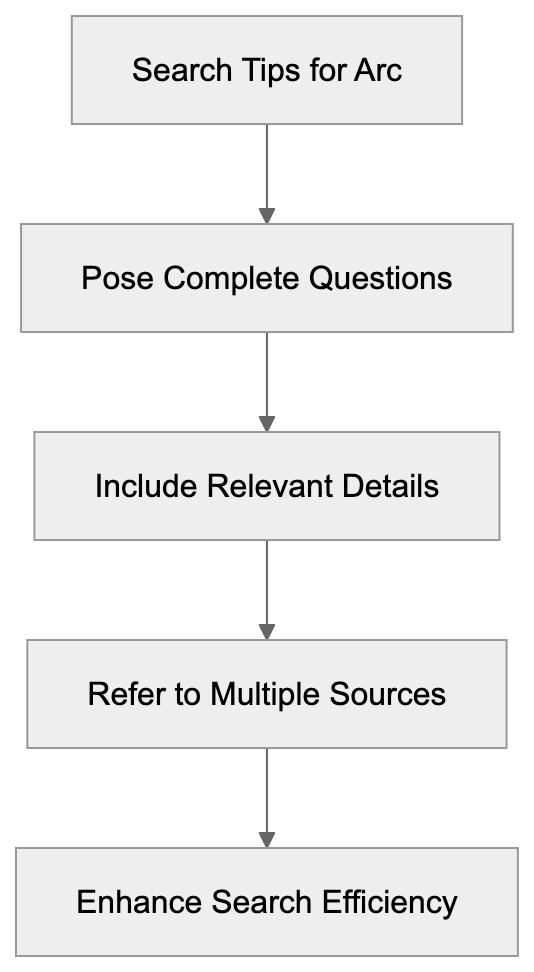
Search Tips
- Pose complete questions
- Include relevant details
- Explore diverse wording
- Refer to multiple sources
- Bookmark valuable results
Common Uses
- Retrieving product specifications
- Learning about new topics
- Verifying facts
- Obtaining swift answers
- Assisting in research assignments
Future Plans
Anticipated developments by the Browser Company include:
- Introducing advanced AI features
- Enhancing processing speed
- Improving accuracy
- Innovative tools
- Expanding language options
Conclusion
Arc Search revolutionizes web browsing with its AI-powered capabilities, making information retrieval quicker and more straightforward. Continual updates ensure it stays ahead as a top-choice AI browser. The Browse for Me feature with detailed search summaries distinguishes Arc Search from other tools, providing a valuable web search solution that conserves time and boosts efficiency.
The integration of powerful AI and user-friendly design makes Arc Search an essential tool for tasks ranging from quick fact-checking to in-depth research. As the Browser Company introduces more innovations, this AI web search tool will further aid users in their quest for online information.
Frequently Asked Questions
What types of queries work best with Arc Search?
Arc Search performs optimally with clear and specific questions. Using straightforward language and including relevant details can significantly enhance the search results, allowing the AI to provide precise summaries.
Is my personal search data stored when using Arc Search?
No, the Browser Company prioritizes user privacy and does not store personal search data. Data collected is solely for improving features, and users can easily clear their history.
How does Arc Search differ from traditional web search engines?
Unlike traditional search engines that display lists of links, Arc Search provides concise summaries directly derived from content across multiple sources. This functionality saves users time by eliminating the need to visit numerous sites for information.
Can I use Arc Search on my mobile device?
Yes, Arc Search is optimized for mobile devices, featuring a clean and intuitive design that allows for easy one-handed navigation. Users can expect quick page loading and an overall smooth scrolling experience.
What are some common use cases for Arc Search?
Arc Search is excellent for various tasks including efficient research, quickly verifying facts, retrieving product specifications, and gaining general topic insights. It is particularly useful for students and professionals seeking to expedite their information-gathering process.
How can I enhance the quality of search results?
To maximize the quality of results, users should pose complete questions while avoiding overly complex wording. It's also beneficial to explore synonyms or varied phrasing, as this can lead to more relevant outcomes.
What future improvements can we expect from Arc Search?
The Browser Company plans to introduce advanced AI features, further enhance processing speed, and refine accuracy. Additionally, they aim to expand language options and develop innovative tools to improve user experience.