
Connected Papers: Visual Research Discovery Tool Guide
Learn how to use Connected Papers for finding related research papers with visual citation graphs, similarity scoring, and reference management.
Table of Contents
- What is Connected Papers?
- Key Features
- How Connected Papers Works
- Factors in Similarity Scoring:
- Using the Basic Features
- Advanced Search Features
- Free vs Premium Features
- Free Version Includes:
- Premium Features Include:
- Integration with Reference Managers
- Steps for Exporting References:
- Comparison with Other Tools
- Best Practices for Literature Review
- Conclusion
- Frequently Asked Questions
- What is Connected Papers?
- Key Features
- How Connected Papers Works
- Factors in Similarity Scoring:
- Using the Basic Features
- Advanced Search Features
- Free vs Premium Features
- Free Version Includes:
- Premium Features Include:
- Integration with Reference Managers
- Steps for Exporting References:
- Comparison with Other Tools
- Best Practices for Literature Review
- Conclusion
- Frequently Asked Questions
What is Connected Papers?
Connected Papers is a web-based tool designed for exploring academic search and visual paper exploration, offering a unique approach to literature mapping. It generates visual maps that demonstrate how research papers relate to one another. By analyzing citation patterns and similarity scores, the tool aids in finding relevant research papers effectively.
Key Features
- Visual graphs of related papers
- Views of prior works and derivative works
- Similarity scoring between research papers
- Export options for bibliographies
- Summaries and abstracts of papers
- Direct PDF downloads
How Connected Papers Works
Connected Papers creates graphs by analyzing both citations and references, utilizing co-citation and bibliographic coupling to identify related works. When searching for a paper, the tool identifies other papers with similar citations. Research papers sharing more citations appear closer together on the visual citation graphs.
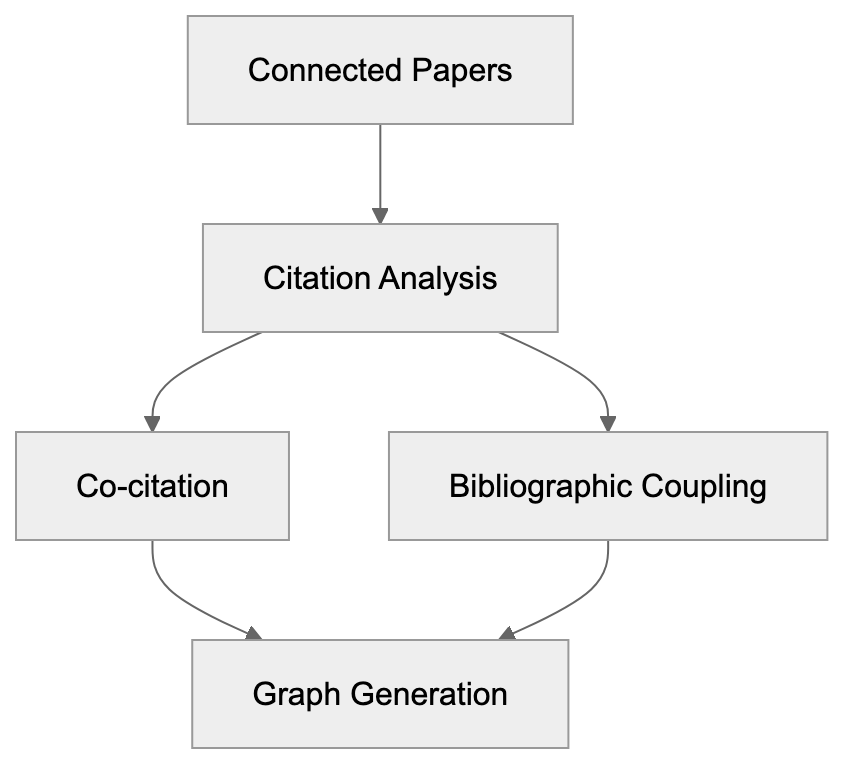
Factors in Similarity Scoring:
- Number of shared citations
- Citation patterns
- Publication dates
- Similarity of abstract text
Papers are connected based on their citation relationships, highlighting older influential works and newer papers building upon them.
Using the Basic Features
To effectively use Connected Papers for academic search:
- Visit connectedpapers.com
- Enter a paper title, DOI, or URL
- Click on ‘Build a Graph’
- Wait for the graph to generate
- Click nodes to access paper details
- Use zoom and pan functionalities for exploration

The displayed graph can show up to 50 related papers. Larger nodes indicate more citations, while line thickness reveals the strength of connections between research papers.
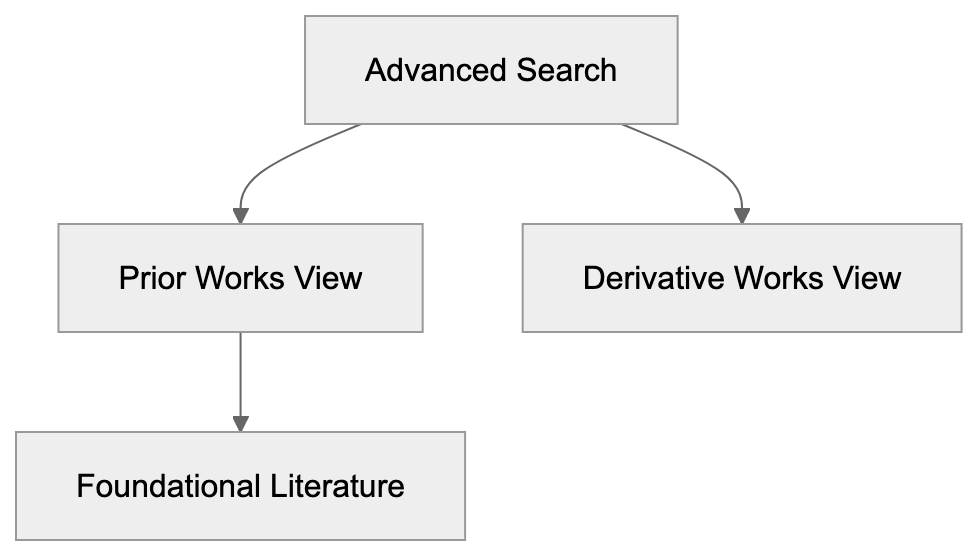
Advanced Search Features
Connected Papers offers advanced options for refined searches:
Prior Works View:
- Displays older influential papers
- Organizes by publication date
- Highlights foundational literature
Derivative Works View:
- Shows newer, related papers
- Papers citing the main paper
- Highlights recent developments in the field
Additional search refinements:
-
Filter by year range
-
Sort by citation count
-
Focus on specific authors
-
Export references
Free vs Premium Features
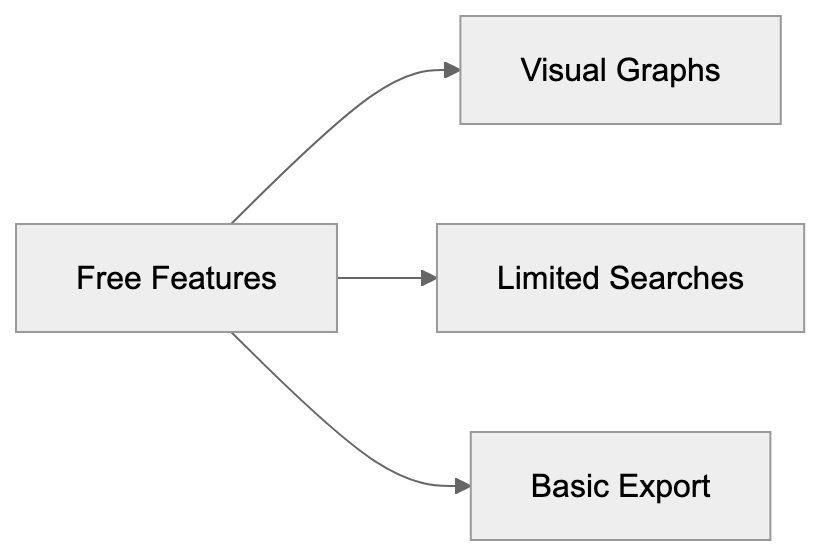
Free Version Includes:
- Basic visual graphs of papers
- Limited searches per day
- Standard paper information
- Basic export options
Premium Features Include:
- Unlimited academic searches
- Larger visual graphs
- More export formats
- Advanced filtering options
- Team collaboration
Integration with Reference Managers
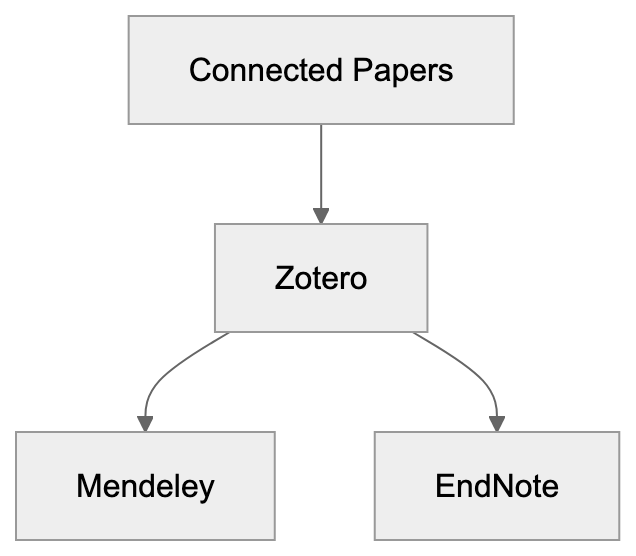
Connected Papers seamlessly integrates with popular reference managers:
- Zotero
- Mendeley
- EndNote
- BibTeX format
Steps for Exporting References:
- Select papers on the graph
- Click ‘Export’
- Choose a format
- Import into a reference manager
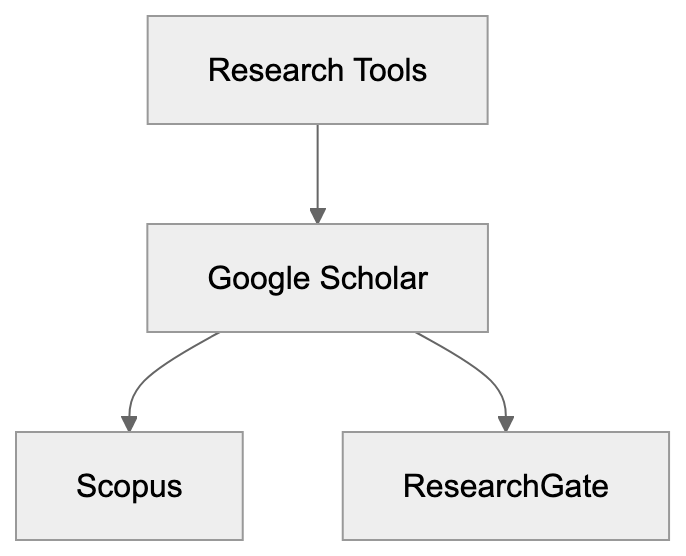
Comparison with Other Tools
Google Scholar:
- Extensive database
- Less visual than Connected Papers
- Focuses heavily on citations
Scopus:
- Offers more features
- Requires subscription
- Primarily text-based results
ResearchGate:
- Includes social features
- Allows paper sharing
- Focus less on research discovery
Best Practices for Literature Review
Enhance your literature reviews with these tips:
- Begin with key papers in your field
- Examine both older and newer connections
- Identify clusters of related work
- Save significant papers
- Regularly export citations
- Use filters to maintain focus
Connected Papers is most effective when used alongside other research methods. It facilitates finding new research papers and ensuring comprehensive coverage of a topic.
Conclusion
Connected Papers offers a visual method to explore academic literature, aiding researchers in discovering research papers and understanding interconnections, thereby enhancing the literature review process. While there are limitations, it is an invaluable tool for literature reviews and staying current with your research field. Free features suit basic needs, while premium features assist with in-depth research.
Frequently Asked Questions
What types of papers can I search for using Connected Papers?
You can search for any academic paper by entering its title, DOI, or URL. This allows users to explore a broad range of research across various disciplines.
How does Connected Papers help enhance my literature review?
Connected Papers visualizes the connections between research papers, making it easier to identify key works and trends in a specific field. The tool allows you to examine both foundational and recent works, helping to develop a comprehensive understanding of your topic.
Are there any limitations to the free version of Connected Papers?
Yes, the free version limits the number of searches you can perform daily, offers basic visual graphs, and has restricted export options. If you require more extensive features, consider the premium version for unlimited access and additional capabilities.
Can connected papers be exported to reference management tools?
Absolutely! Connected Papers supports exporting references to popular reference managers like Zotero, Mendeley, and EndNote. You can easily select papers from the graph, export them in your desired format, and import them into your reference manager for further organization.
How can I utilize advanced search features in Connected Papers?
The advanced search features allow for more refined exploration, such as viewing prior and derivative works based on publication dates or citation patterns. You can also filter results by year or sort them by citation count to focus on the most relevant literature.
How does Connected Papers compare to other research tools?
Connected Papers offers a unique visual representation of citation relationships, making it distinct from text-heavy tools like Google Scholar and Scopus. While it lacks the extensive database of Google Scholar, it provides valuable insights into related works that enhance research discovery.
What are some best practices for using Connected Papers?
To maximize the tool's effectiveness, begin with key papers in your area, explore both old and new connections, and save significant findings. Regularly exporting your citations and utilizing filters can help maintain focus and broaden your literature coverage.